 Gift vouchers online
How to sell gift vouchers online: a comprehensive guide for businesses
From choosing vouchers and setting prices, through to validity and payment, right through to redeeming them at reception. What settings to use to ensure the vouchers sell themselves – even at night and at the weekend.
· 6 min read
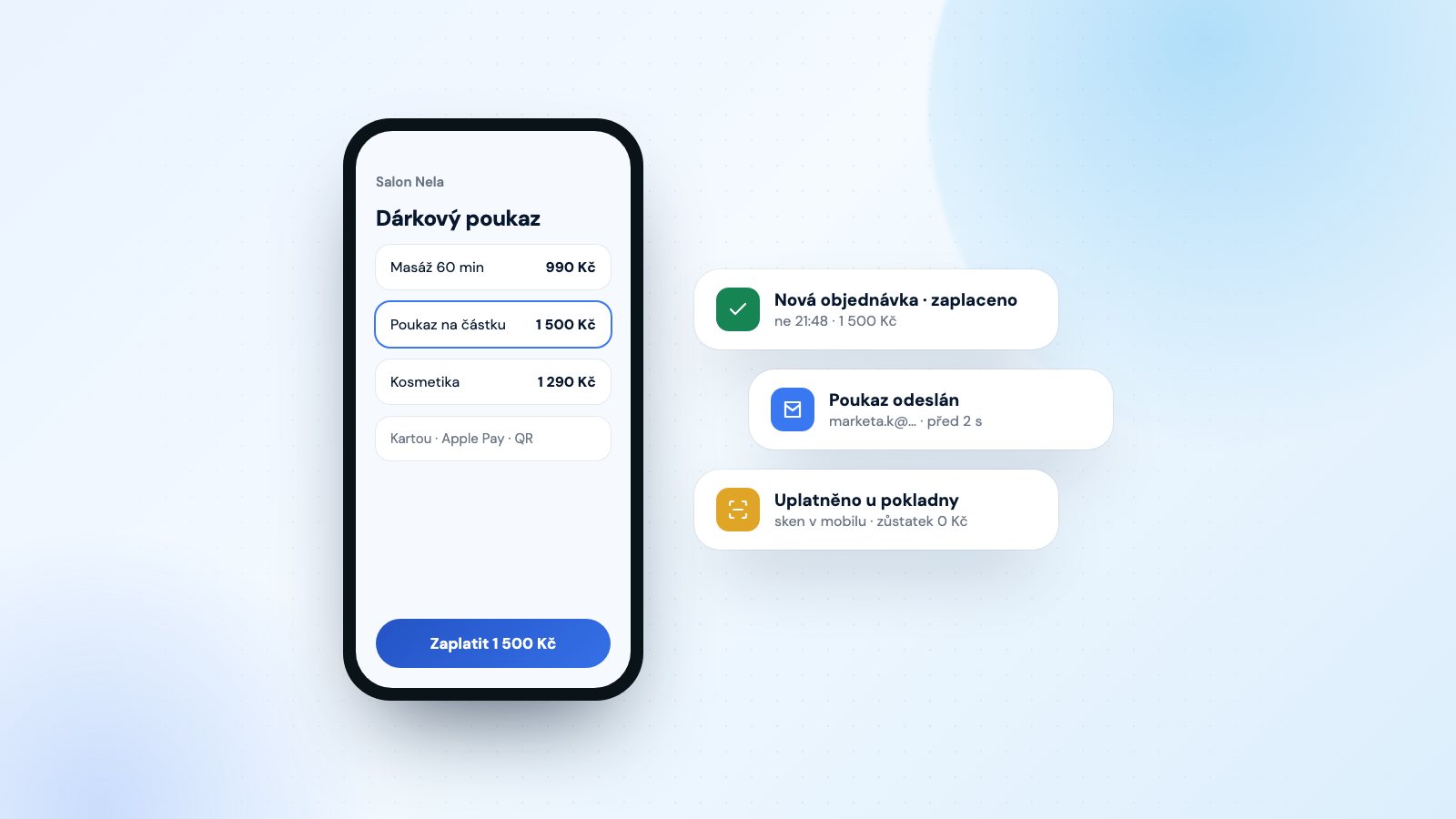
A gift voucher is the easiest way to secure revenue in advance and, at the same time, gain a new customer – the recipient. However, most businesses only sell them in person, at the till or at reception. A customer who remembers they need a gift at 10 pm or on a Sunday will then buy it elsewhere. This guide will walk you through everything you need to set up so that vouchers sell themselves online.
Why sell gift vouchers online
Gift vouchers are mainly bought at the last minute: before Christmas, Valentine’s Day, Mother’s Day or birthdays. At that moment, the customer doesn’t want to ring, send a message or pop into the shop. They want to pay for the gift and have it in their inbox within a few minutes. If you make this possible, you’ll be selling even when your business is closed.
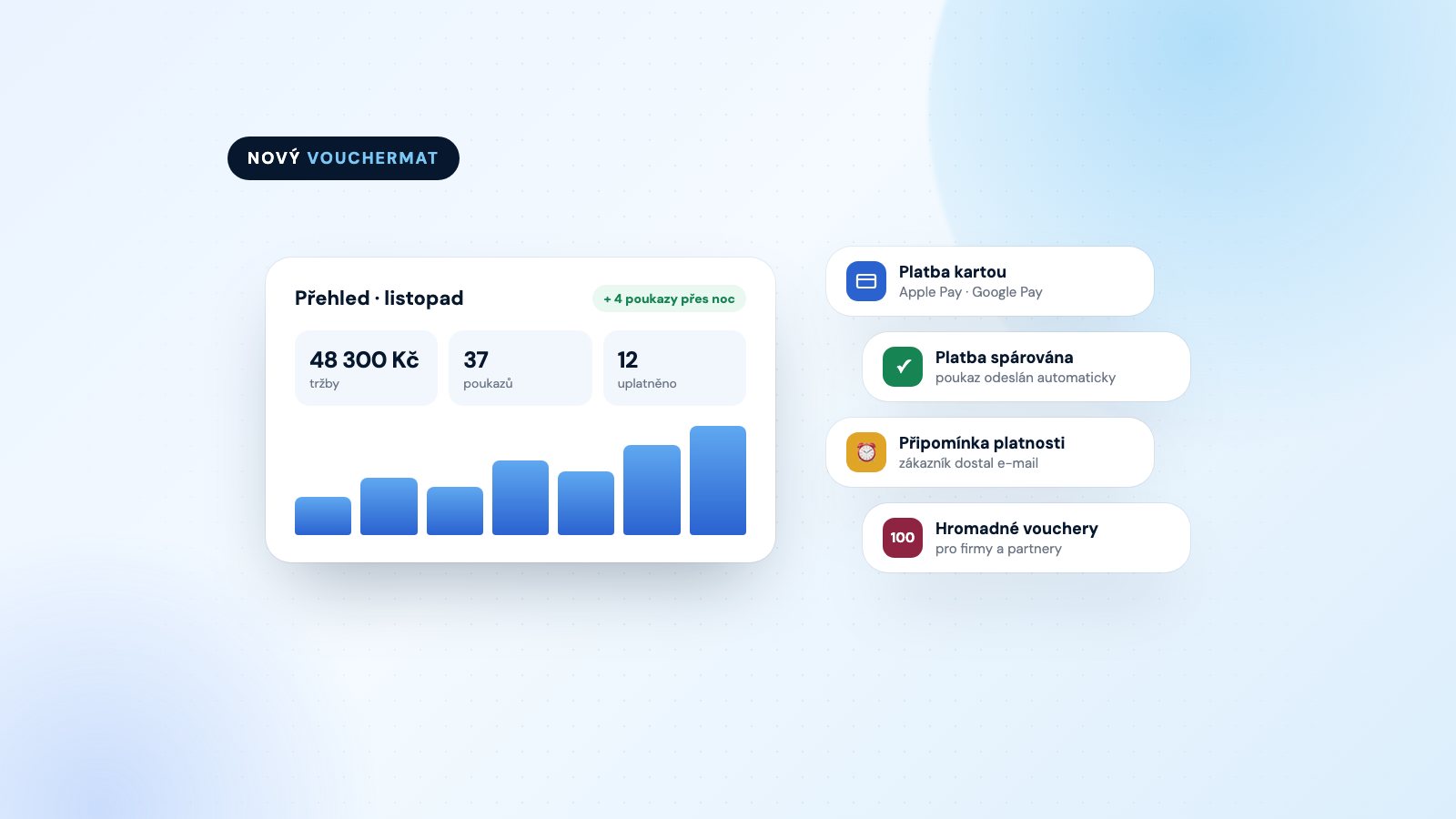
What’s more, online sales save you work. You don’t have to write out paper vouchers by hand, keep track of numbers in a notebook or check whether a voucher has already been redeemed. You have everything in one place.
1. Choose what you’re going to sell
Two types of vouchers work best:
A voucher for a specific service
A 60-minute massage, breakfast for two, a haircut and blow-dry, a monthly pass. The customer knows exactly what they’re giving, and the recipient knows what they’ll get. You set the price according to your price list.
Value-based voucher
A voucher for any amount, such as 500, 1,000 or 2,000 CZK. These are ideal where the price of a service varies depending on duration, scope or choice – and for gift-givers who aren’t sure exactly what to choose.
To start with, two to four of your best-selling vouchers are enough. Too wide a range is more likely to confuse customers. You can add more once you see what’s selling.
2. Set the price and validity period
The price of a service voucher should match your price list. Discounts on vouchers aren’t worth it – people buy vouchers as gifts, not for a bargain price. If you want to incentivise purchases, it’s better to offer something extra, such as gift wrapping or a bonus service.
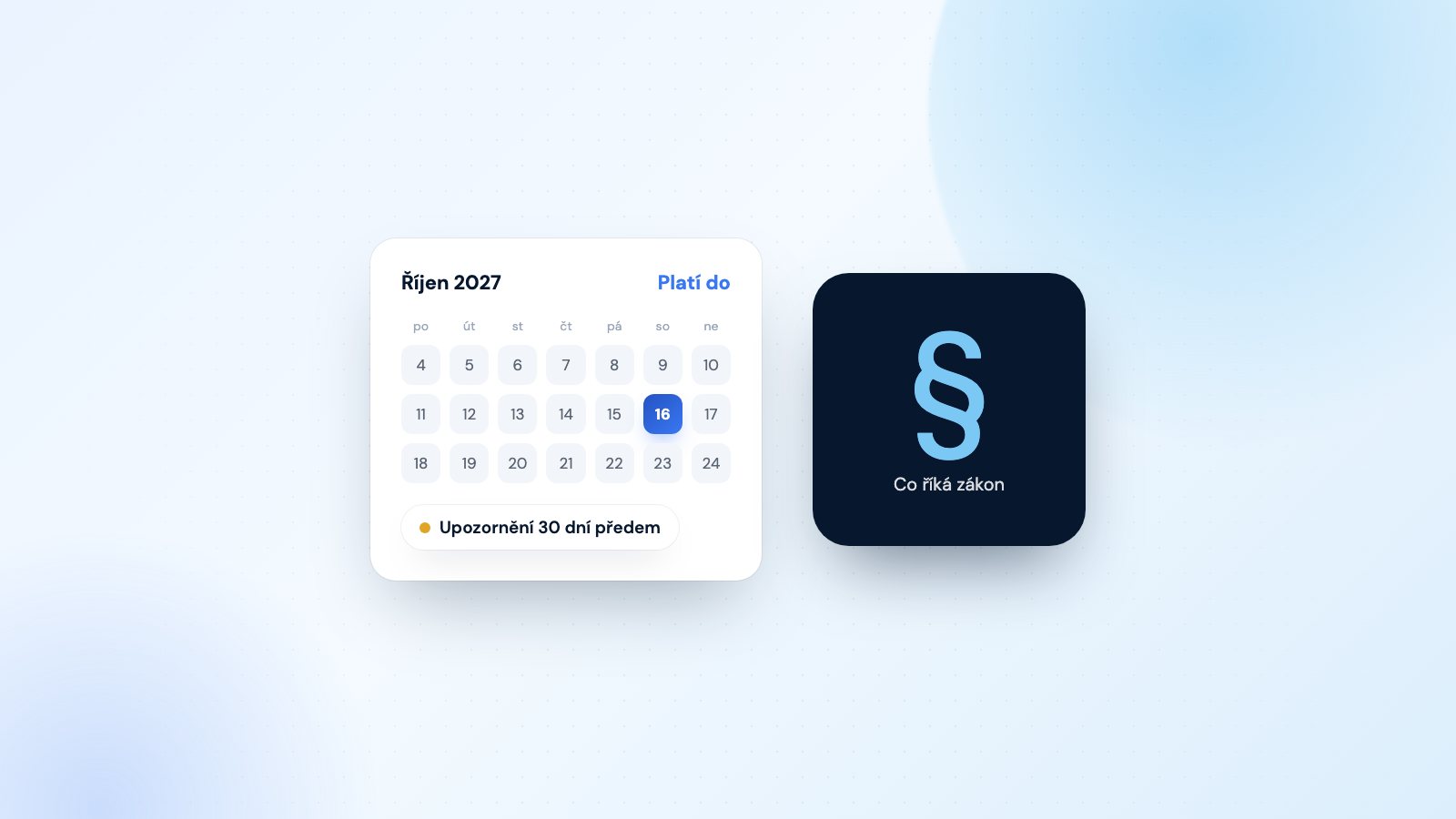
The usual validity period is 6 to 12 months. A shorter validity period increases the pressure to redeem the voucher, whilst a longer one is more convenient for the customer. You can find details, including what the law stipulates, in the article How to set a voucher’s validity period.
Tip: remind the recipient that their voucher is about to expire. In Vouchermat, a reminder is sent automatically, 7 or 30 days in advance. Fewer expired vouchers means happier customers.
3. Payment without a payment gateway
A payment gateway involves a contract, fees on every payment and often a monthly subscription fee. For a small business, a QR code payment by bank transfer is simpler. The customer scans the QR code in their banking app; the amount and reference number are filled in automatically, and the money goes straight into your account.
On Vouchermat, the customer will see the QR code immediately after submitting their order. As soon as you confirm the payment or activate automatic payment matching, the voucher is automatically sent by email. We do not take any commission on vouchers sold.
A voucher order form in 10 minutes
Free, no card and no commission.
4. What the voucher should look like
A voucher is a gift, so it should look like a gift – not a receipt. It should feature your logo, the name of your service or the value, a unique code and an expiry date. We discuss everything that should be included on a voucher in the article What a gift voucher must contain.
Customers will appreciate receiving the voucher as a PDF that they can print out or forward straight away. In Vouchermat, you can choose from ready-made templates; with the Plus plan, you can create your own design using your own text and images.
5. Place the form where people are looking for you
Even the best form won’t sell anything if nobody knows about it. Place a link to buy a voucher everywhere your customers come into contact with you:
- on your website – ideally in the main menu under ‘Gift Vouchers’; you can embed the form using code or a WordPress plugin,
- in your Instagram bio and in Facebook posts,
- in your company’s Google profile as a link,
- in email booking confirmations and in your newsletter,
- at the till or reception as a QR code for customers to scan.
Don’t have a website? No problem. The sales page with its own URL works independently; you just need to link to it.
6. Redemption: quick and paperless
When the recipient arrives, you need to verify within a few seconds that the voucher is valid and hasn’t been used yet. In the Vouchermat mobile app, simply scan the QR code from the voucher – whether on your phone or printed out. You’ll see the value, validity and history, and can redeem the voucher with a single tap. For value-based vouchers, partial redemption is also possible; the app will keep track of the remaining balance.
Do you also sell paper vouchers in-store? Record them in the same system so you have all your vouchers in one place.
7. Spread the word about your vouchers
Customers often don’t even realise you offer vouchers. Here are a few tried-and-tested methods:
- a sign or QR code at the till,
- a mention at the till: “Did you know you can buy a gift voucher from us?”,
- a social media post two to three weeks before every holiday,
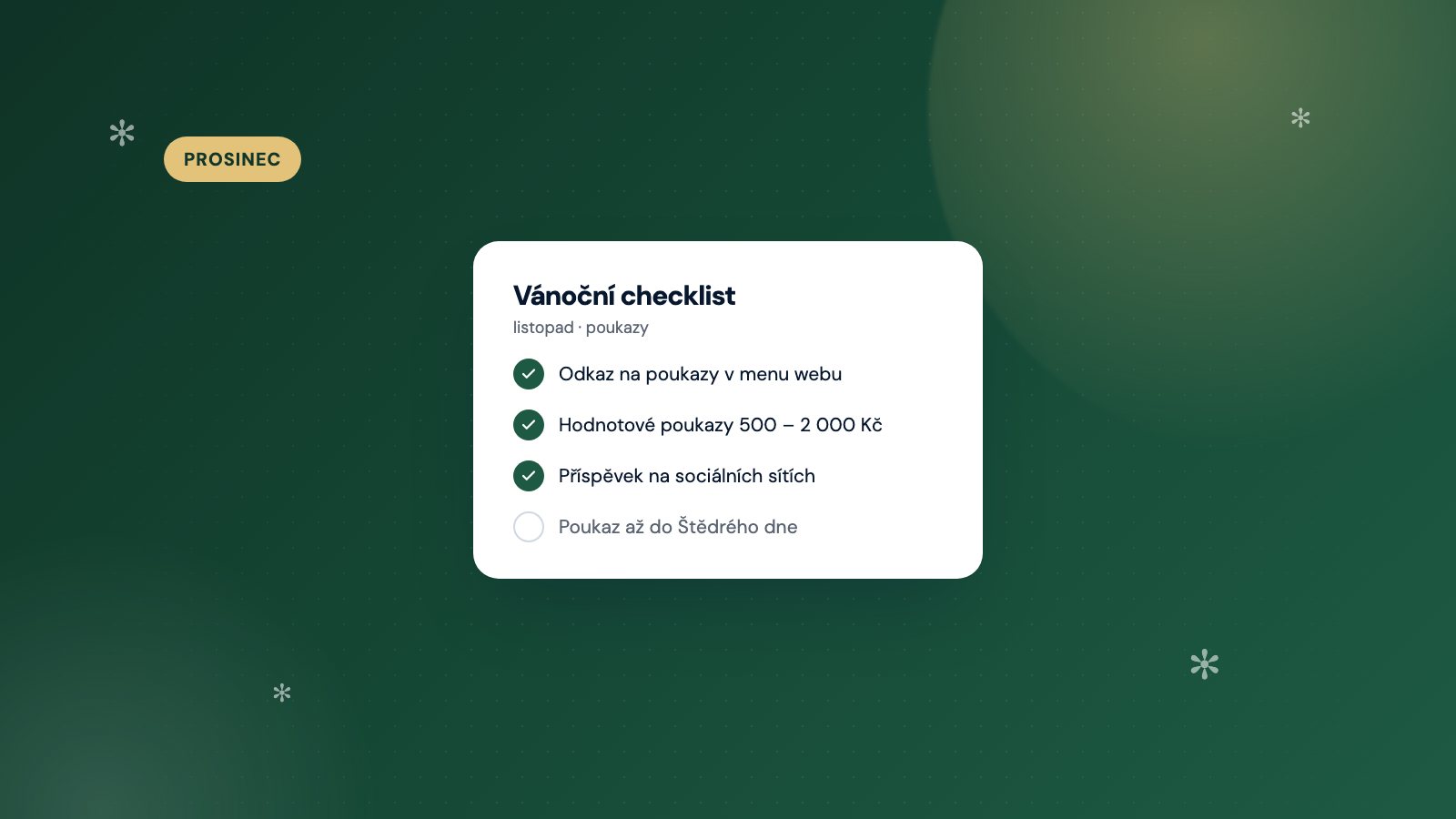
- an email to existing customers before Christmas.
Činkárna Olomouc is proof that it works: after launching online sales, its voucher sales increased by 40 per cent.
Summary
- Start with 2–4 vouchers: both in terms of the service and the value.
- Set a validity period of 6–12 months and set up a reminder before it expires.
- Accept payments via QR code directly into your account.
- Send the voucher by email as a PDF featuring your logo.
- Post a link to the form on your website, Instagram, Google profile and at the till.
- Redeem vouchers by scanning them on a mobile – no need for ledgers or spreadsheets.
You can try out all of the above with the Free plan, which costs nothing and requires no credit card. The form will be ready in about ten minutes.