 Gift vouchers online
Christmas voucher sales: a checklist for November
What to prepare by the end of November to ensure Christmas brings you higher turnover: your offer, the design of your voucher, the form, payments, promotion and January after the festive season.
· 5 min read
December is the busiest month of the year for gift voucher sales. Customers are looking for a present that they don’t have to wrap or post, and a voucher for an experience or a service is exactly that. Those who get ready as early as November will sell more and have a stress-free December. Here’s a handy checklist of what to do and when.
By mid-November: range and prices
- Check your range of vouchers. Are the ones you’re currently offering selling well? For Christmas, it’s worth having at least one fixed-value voucher and two or three vouchers for popular services.
- Consider a Christmas package. For example, ‘a massage and tea for two’ or ‘a haircut with a conditioning treatment’. Packages sell well as gifts and will set you apart from the competition.
- Check your prices. If you’re increasing your prices from January, decide whether you’ll honour service vouchers purchased at the old prices without any top-up charge. Make sure to include this in the terms and conditions.
- Set the validity period. For Christmas vouchers, we recommend at least 12 months, so that the recipient has plenty of time to use them. We explain why and how in our article on voucher validity.
A voucher and email with a winter theme
- A festive design for the voucher. A subtle winter motif or colour is enough. A voucher featuring your logo that looks like a present is more likely to be passed on.
- Dedication. Allow the customer to write the recipient’s name and a short dedication. In Vouchermat, both fields are directly in the form and the voucher template can display them.
- Email text. Explain how to print or forward the voucher and how to book an appointment. You’ll save yourself dozens of enquiries.
- Test purchase. Buy a voucher yourself and go through the entire customer journey – from the form through to payment and the email. It’s the quickest way to spot any errors before your customers do.
Place the form wherever people are looking for you
In December, customers don’t spend long searching. If they can’t find the link to the vouchers at a glance, they’ll buy their gift elsewhere. So make sure to place the link on:
- your website – in the main menu and on the homepage, perhaps as a ‘Gift Vouchers’ banner,
- Instagram – in the bio, in Stories and in Highlighted Stories,
- Facebook – in the button on your page and in posts,
- your Google Business Profile – as a link and in a post,
- email signature and booking confirmations.
You can embed the Vouchermat form on your website using code or a WordPress plugin. If you don’t have a website, a sales page with its own URL will do.
Payments and delivery speed
In the run-up to Christmas, speed is key. Customers want to receive their voucher by email on the same day, ideally within a few minutes.
- QR payment. Customers pay via bank transfer by scanning a QR code in their banking app; the money goes straight into your account, without a payment gateway or commission.
- Confirm payments daily. In December, set aside a few minutes each morning and evening for this. As soon as you confirm a payment, the voucher is sent to the customer automatically.
- Payment due date. Set a reasonable due date so that you don’t end up with orders in the system that nobody will pay for.
- Last-minute. Between 20 and 24 December, make it clear that vouchers will be sent by email even on Christmas Eve. For customers who haven’t had time to shop, this is a lifesaver.
A voucher order form in 10 minutes
Free, no card and no commission.
Promotion schedule
End of November
First social media post and email to existing customers: “Give the gift of an experience this year.” People who buy their presents in advance are making their decisions right now.
1–15 December
Peak season. Remind customers about the vouchers once a week, show what the voucher looks like, and include specific suggestions: “for mum”, “for your partner”, “for a colleague”.
16 to 24 December
Emphasise speed: “The voucher will arrive by email within a few minutes of payment – just print it out.” This is the period when vouchers sell the most.
In-store
- A QR code at the till with the text “Gift voucher – buy online”. Customers can take a photo of it and buy it at their leisure at home.
- Mention it at the till. A single sentence from a member of staff sells more than a leaflet.
- Paper vouchers. If you also sell them in-store, keep track of them in the same system as online vouchers. That way, you won’t have to search in two places when they’re redeemed.
After Christmas
- Prepare your capacity for January and February. Recipients will start calling straight after the festive season.
- Agree on the redemption process within your team. In the Vouchermat mobile app, simply scan the QR code from the voucher and redeem it with a single tap – even partially.
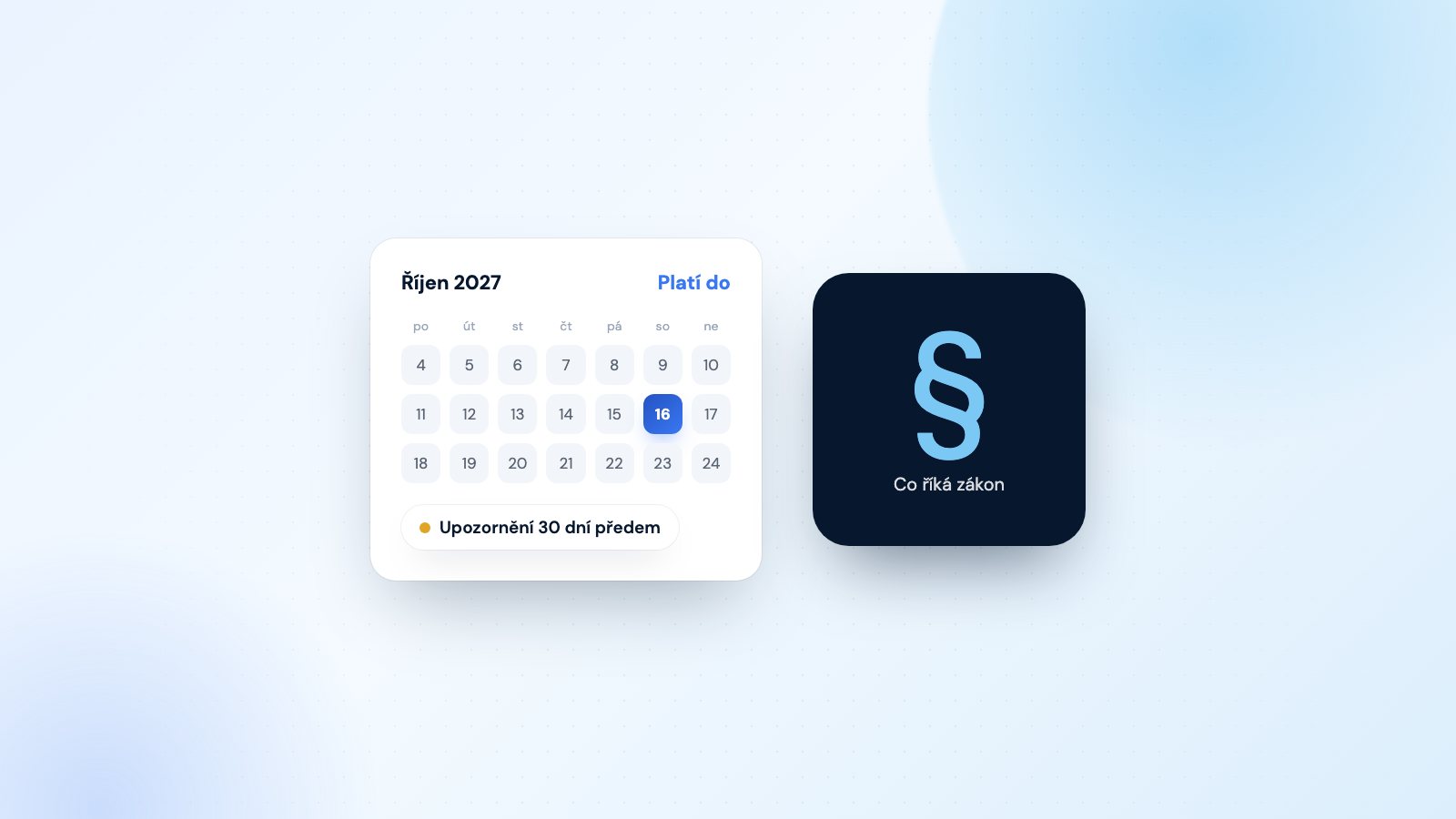
- Enable expiry reminders. Vouchermat will remind recipients 7 or 30 days in advance so that vouchers don’t go to waste.
- Review the season. Which vouchers sold the most? Adjust your offer for Valentine’s Day and Mother’s Day accordingly.
Checklist at a glance
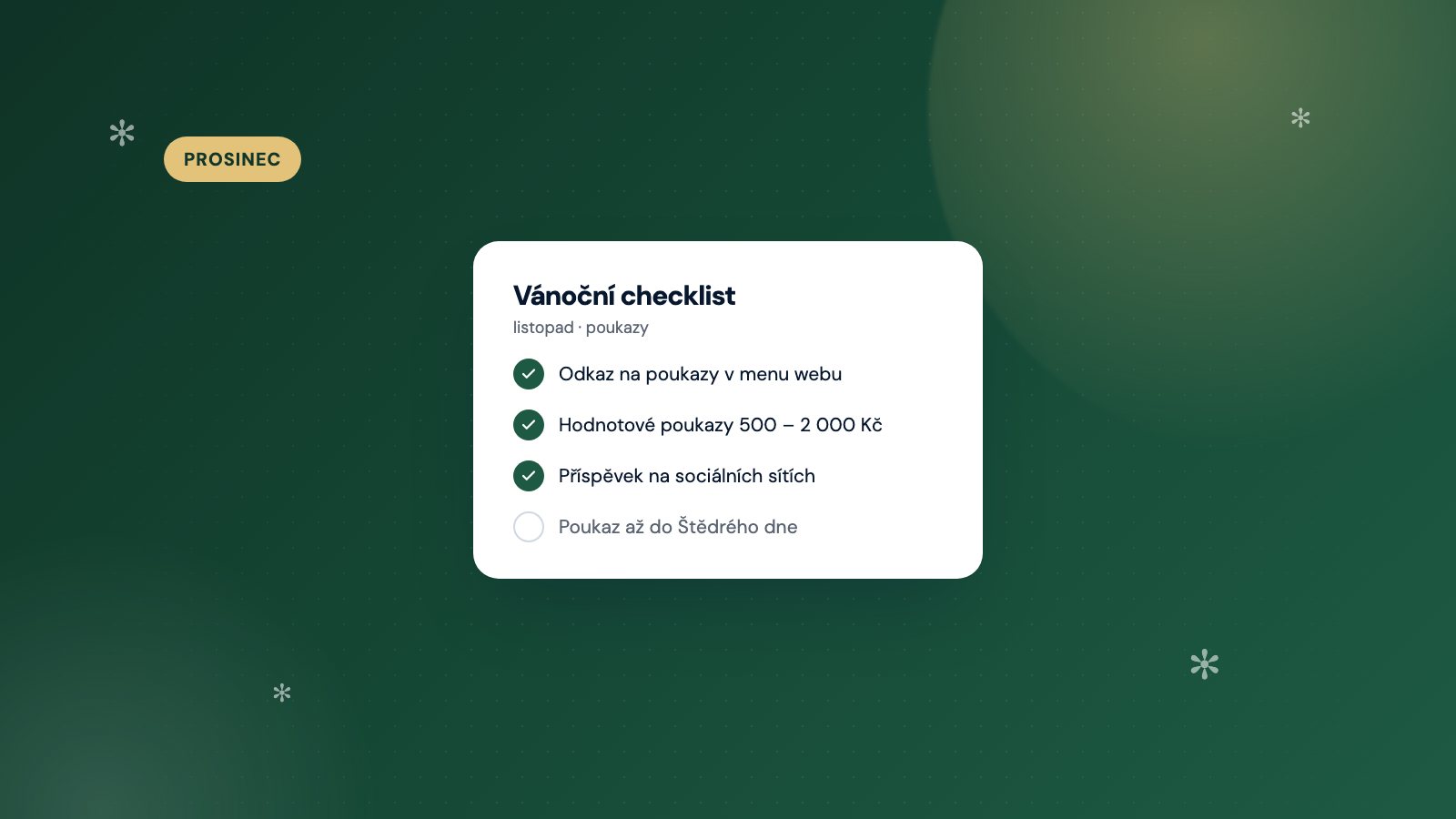
- Offer: a value voucher + 2–3 services, or a Christmas package,
- validity of at least 12 months, prices and terms clearly stated,
- Christmas-themed voucher design, personalised message, clear email communication,
- test purchase,
- links to the website, Instagram, Facebook, Google profile and the checkout page,
- QR code payments and daily payment confirmations,
- promotion from the end of November, last-minute offers from 20 December,
- availability for January and expiry reminders.
Činkárna Olomouc demonstrates just how big a difference online sales can make: after launching online sales, their voucher sales increased by 40 per cent. If you’re not yet selling vouchers online, you’ve got plenty of time to start in November – the Free plan costs nothing and you can set up the form in about ten minutes.