 Gift vouchers online
Vouchermat has a mobile app and a WordPress plugin
You can verify and redeem the voucher by scanning the QR code on your mobile, and you can upload the order form to your WordPress website in just a few clicks. Both features are free with all plans.
· 4 min read
Gift vouchers aren’t redeemed on a computer. The customer is standing at the counter, at reception or at a table, and you need to know within a few seconds whether the voucher is genuine, has been paid for and how much credit is left on it. That’s why we’ve developed the Vouchermat mobile app for retailers – for you and your staff, not for customers. Customers will continue to purchase vouchers via your order form. And because a large proportion of our customers have a WordPress website, we’ve also added an official plugin that allows you to embed the form on your website without having to copy any code.
In a nutshell: the app for retailers is free to download on Google Play for Android and in the App Store for iPhone. You can find the Vouchermat plugin in the official WordPress.org directory. Both the app and the plugin are free across all pricing plans.
Mobile app for merchants: redeem a voucher with a single scan
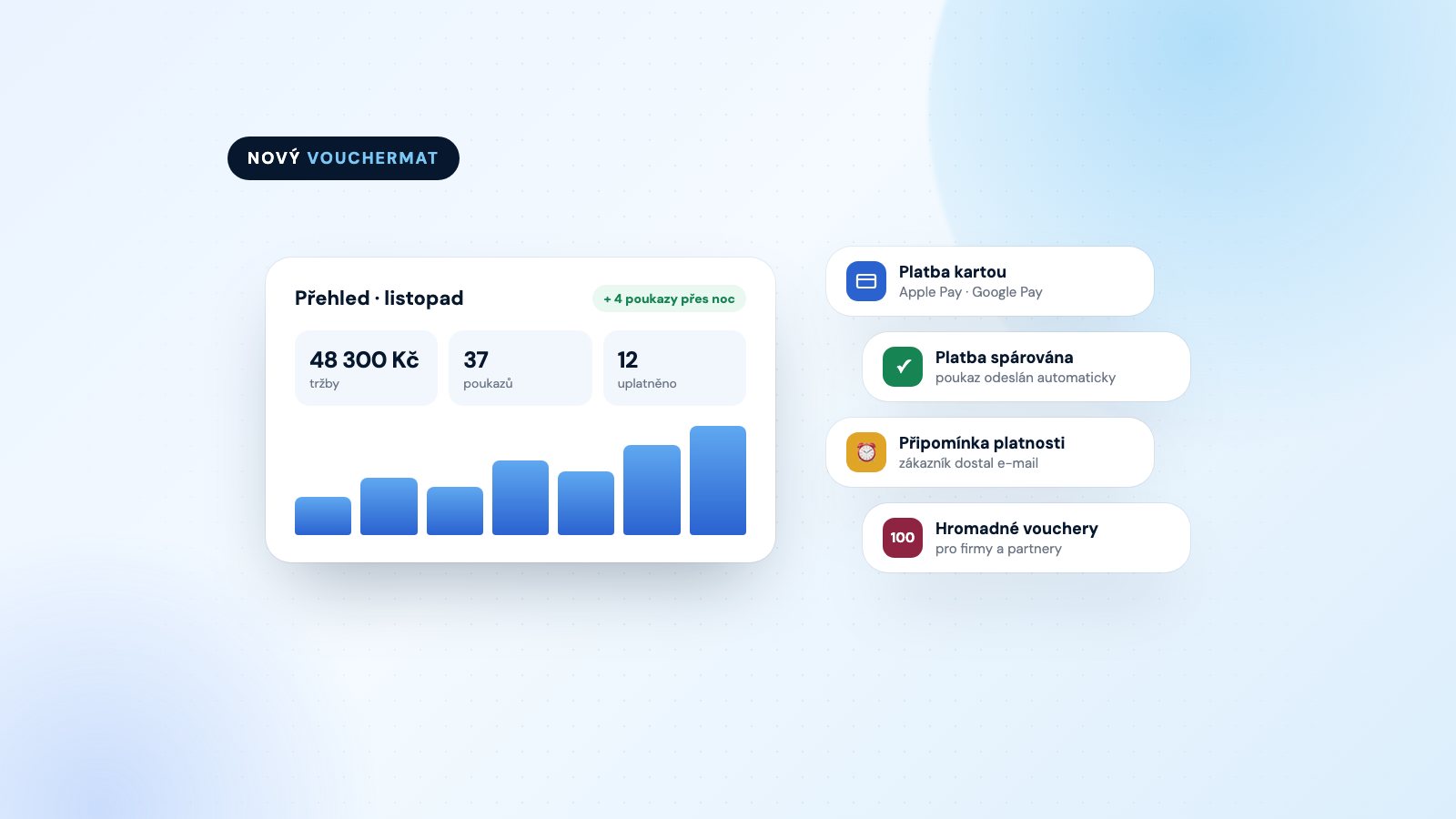
Log in using the same email address and password as for the admin panel. On the home screen, you’ll see your turnover, the number of orders, active and redeemed vouchers for the selected period, and your most recent orders.
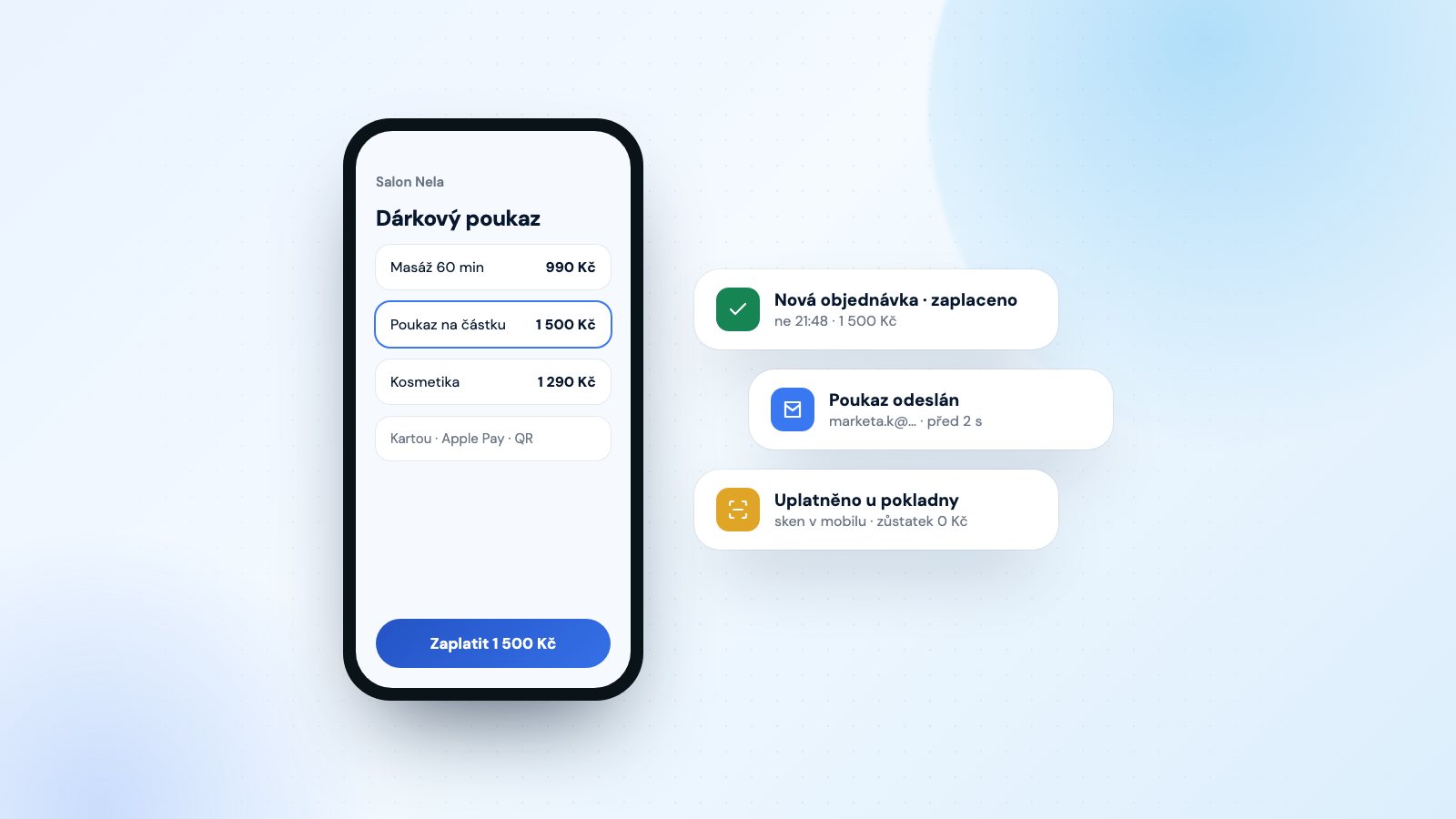
- Scanning the QR code. Point your phone at the QR code on the voucher and the app will immediately show whether the voucher is valid, who purchased it, how much credit remains on it, and its expiry date. If the code cannot be scanned, enter it manually.
- Redeeming the full value or just a portion. Is the customer only redeeming part of the voucher? Enter the amount using the keyboard and you’ll see below it how much will remain on the voucher. The remainder will be saved for next time.
- Extending the validity period. If you wish to accommodate a customer, you can extend an expired voucher directly in its details.
- Notifications on your phone. The app will notify you of new orders, payments and vouchers due to expire within a week. You can set your preferences in your Profile.
- Multiple outlets in one account. Switch between projects with a single tap and validate a voucher in any of them – the app will find the correct one based on the code.
The app is available in Czech, Slovak and English, has both light and dark themes, and uses the camera solely to scan QR codes; it does not record or store anything.
Where to download the app
- Android: Vouchermat on Google Play.
- iPhone: Vouchermat on the App Store.
A voucher order form in 10 minutes
Free, no card and no commission.
WordPress plugin: a web form without copying code
If you have a WordPress website, you no longer need to insert code via the ‘Custom HTML’ block. The Vouchermat plugin is available in the official WordPress.org directory, so you can install it directly within WordPress and it will update automatically.
- In WordPress, go to Plugins → Add New, search for Vouchermat, click Install, and then Activate.
- In Settings → Vouchermat, enter the address of your form (you’ll find this in Vouchermat under Forms and Services → Code for embedding on a website → the WordPress tab), click Verify and Save.
- Add a Vouchermat form block to the page, or insert the shortcode
[vouchermat].
The form will be embedded directly into the page, without a frame and without any redirection. It will adopt the colour, language, featured image and text from your Vouchermat settings and will not alter the appearance of your website in any way. After placing an order, the customer will see the payment details with a QR code on the same page; with the Plus plan, they can also pay by card. Customers can also check the voucher’s validity and remaining balance in the form.
Do you already have an older code with a frame on your website? It will continue to work. To get the new look, simply replace it with a block or shortcode.
Give it a go
Not using Vouchermat yet? Create a free account, set up your first voucher and download the app. If you’re already using it, simply log in to the app with your account. If you need help with anything, get in touch – we’ll be happy to walk you through it.